OK, so until we can get Microsoft to change the default margins, here's how to do it on your own. It should take no more than twenty seconds and just a few clicks of the mouse.
On your WORD screen, go to FILE, then PAGE SET UP.
Once on PAGE SET UP, click the DEFAULT key, and you'll be offered "Do you want to change the default settings for the page set up? This change will affect all new documents based on the normal template."
Then set your margins to whatever preferred new width you'd like. I'm suggesting setting each margin to .75" which will save an immense amount of paper.
Thanks for doing this! And I was right, huh? Twenty seconds or so? Not bad...
If you want more specific directions along with screenshots to guide you as you go, check out About.com's margin changin' tutorial.
.jpg)
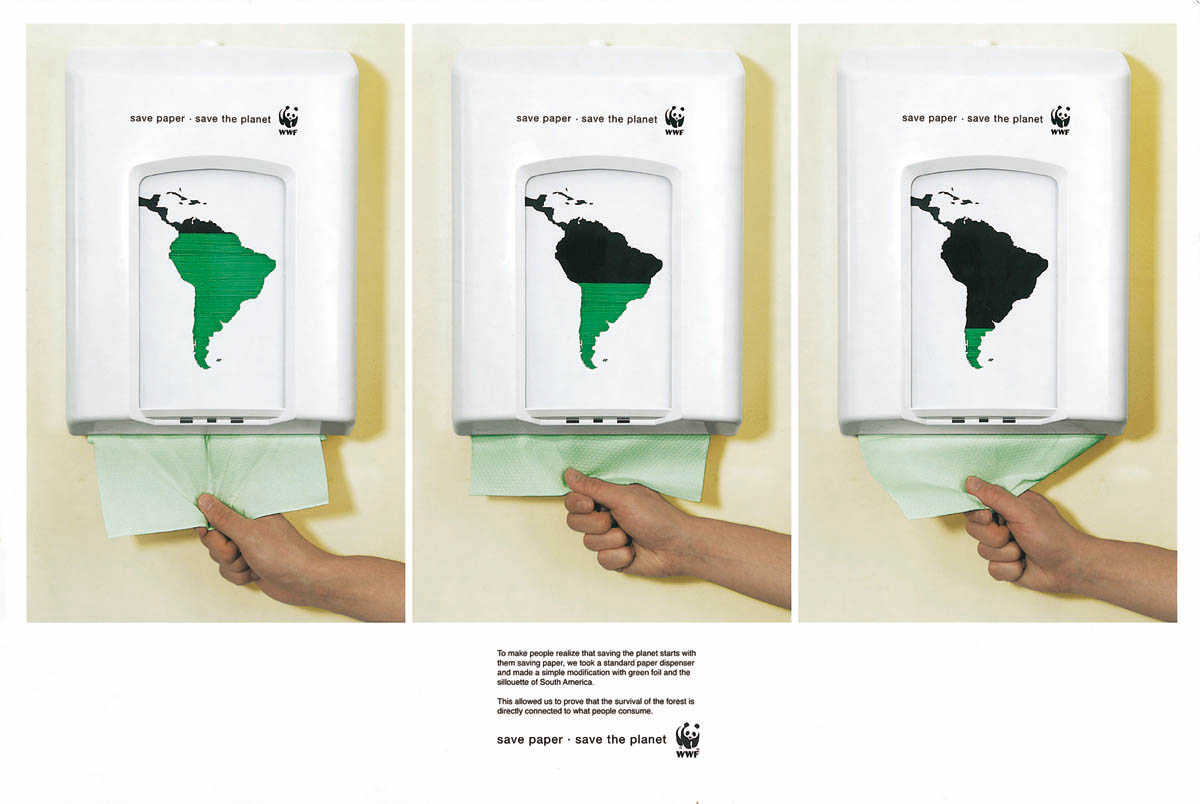
 A new factsheet is available from the Environmental Paper Network that provides both innovative and common sense advice as well as real life business examples of how to save money by reducing paper use. Oh yeah, it lowers your carbon footprint too. Check it out and start saving today.




 Posts
Posts


